Reminder to all presenters: For the best stability and user experience, please download and use the Zoom desktop application and not use the browser version.
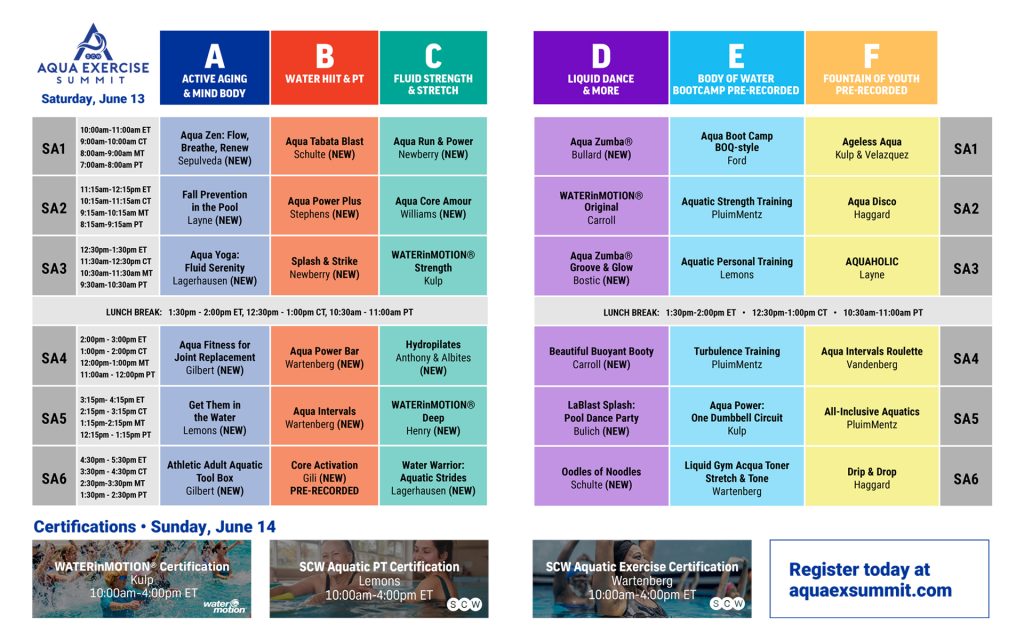
Aqua Exercise Summit / June 13
Presenter Hub
Important Presenter Dates
May 5th, 2026 (Tues) 3:00-3:30 CT | Presenter Hub Meeting May 12th, 2026 (Tues) | PowerPoints Due (Submit Outlines) May 12th, 2026 (Tues) | 10 Questions Due (Submit Questions) June 13th, 2026 (Sat) | Aqua Ex Summit
Communications & Session Login
SCW will send reminders one week before, one day before, and the morning of your sessions.
EXAMPLE:
Saturday, June 13
Session Title: AquaZen: Flow, Breathe, Renew Session Time: 10:00 AM – 11:00 AM ET Presenter Arrival Time: 9:45 AM ET (Check sound/video 15 minutes prior to start) Join Link: https://us02web.zoom.us SCW Staff Contact: Dan Fox – [email protected]724-419-7000
Social Media & Email
Session Social Media Post
SAMPLE COPY: JOIN ME at the SCW Aqua Ex Summit, June 13th from the comfort of your own home! Pay ONLY $99 (Save $100 off the $199 price).
Boost your session attendance
with a quick testimonial
announcing you'll be there!
• Film with your phone vertical
• Introduce yourself – Name, Job Title • Mention the specific Month and Day(s) of the event • Provide the session title(s) date and time • Provide a very brief description • Include the conference website and spell it out • Keep the testimonial video 30 seconds • Let your personality shine!
Our attendees rely on PowerPoints to decide which presentations to attend. To help maximize attendance and fulfill the requirements of your presenter agreement, please submit your outline as soon as possible. Please make sure your PowerPoint matches your session title.
For day-before issues contact SCW 9am-5pm (Dan 724-419-7000)
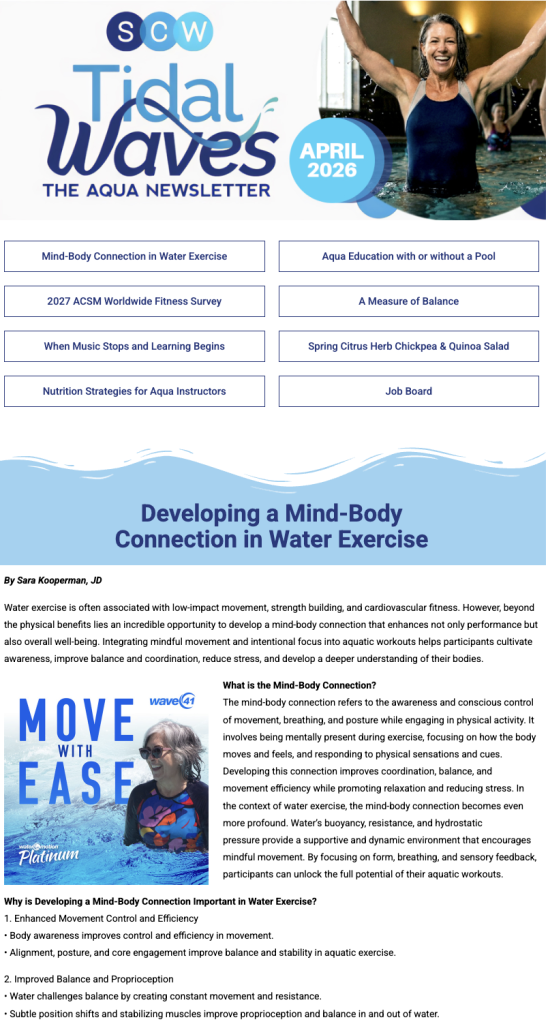
Tidal Waves Newsletter Articles
Boost your brand visibility and amplify your voice — write for our newsletters!
Our readers are fitness professionals, health club operators, industry suppliers, and fitness consumers, men & women, between the ages of 20-70
Articles are typically 700-1000 words and we are happy to republish an article that you have previously published. As the author, we love to include your photo, bio, social media handles and website links to make sure you receive full credit. Happy writing!
SCW is looking for passionate fit pros to write for us on: